SFP transceivers and network modules
A switch port cage takes a small plug-in transceiver, so you choose copper, multimode or single-mode fibre one port at a time, from the optics that switch supports.
Most switches ship with fixed copper access ports and a few empty uplink cages. The transceiver you plug into a cage decides the medium and, together with the cabling, the reach. The port itself sets which speeds are possible.
Form factors and speeds
| Form factor | Speed | Fits |
|---|---|---|
| SFP | 1 Gbps | SFP cages. Many SFP+ ports accept it too, if the switch supports 1G on them |
| SFP+ | 10 Gbps | SFP+ and SFP28 cages. Same size as SFP, but a plain 1G SFP cage will not run it at 10 Gbps |
| SFP28 | 25 Gbps | SFP28 cages. Many SFP28 ports also run SFP+ optics at 10 Gbps |
| QSFP+ | 40 Gbps (4 lanes of 10G) | QSFP cages, larger. Can break out to four 10G links on ports that support breakout |
| QSFP28 | 100 Gbps (4 lanes of 25G) | QSFP28 cages. Can break out to four 25G links on ports that support breakout |
The same physical size does not guarantee the same speed. Check the switch's transceiver compatibility list before you buy optics.
Explore the modules
Drag a model to turn it, or pick another one.
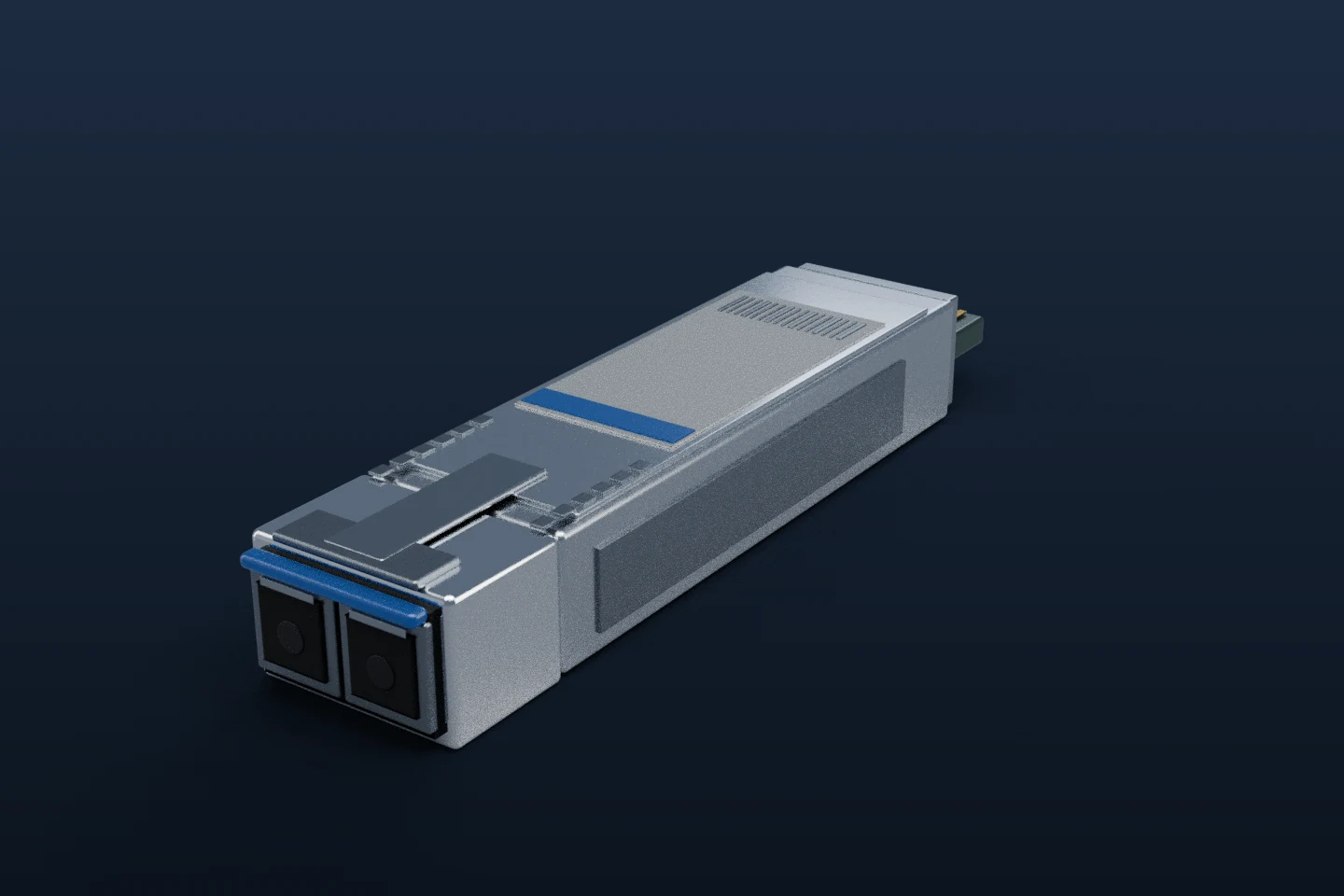
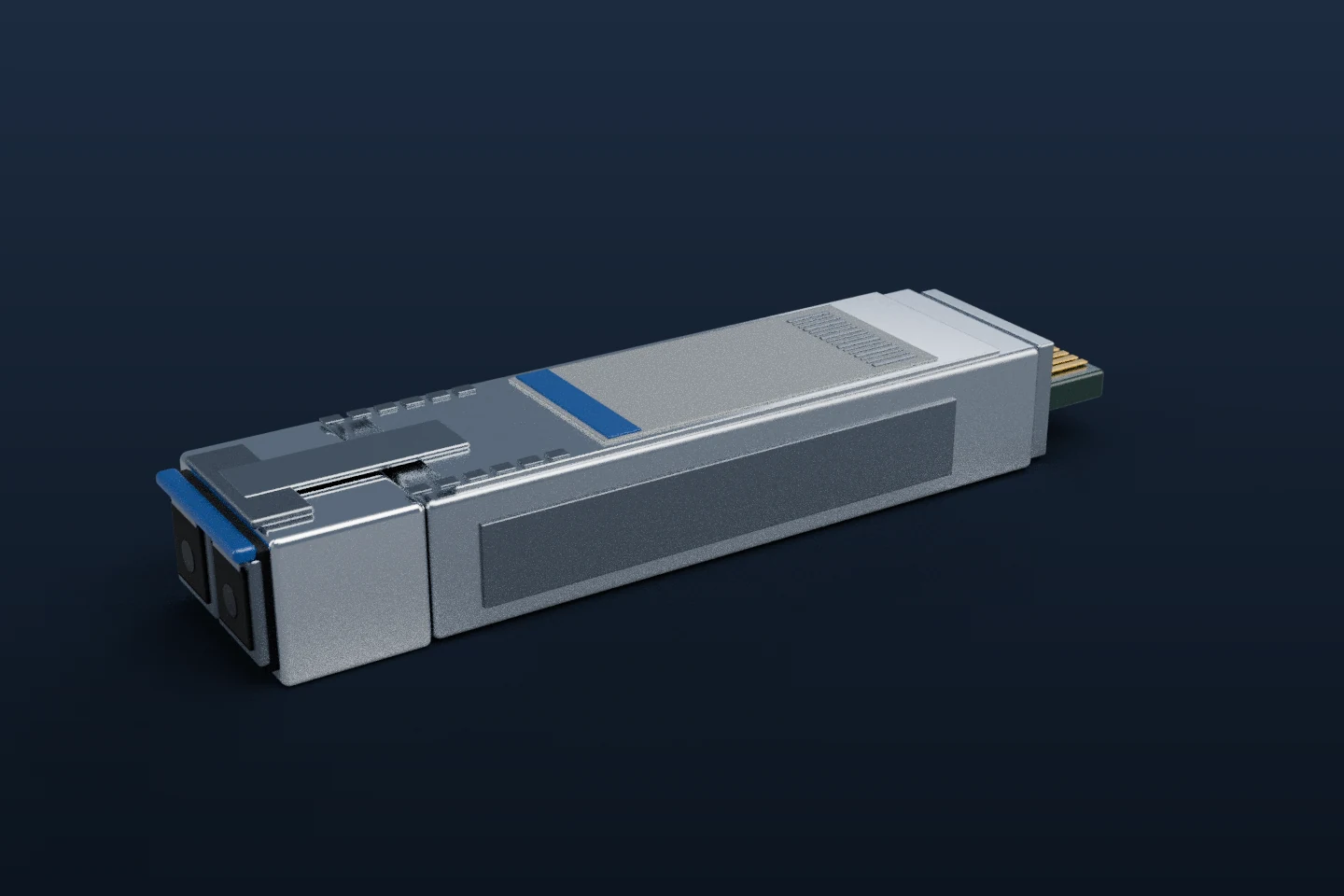
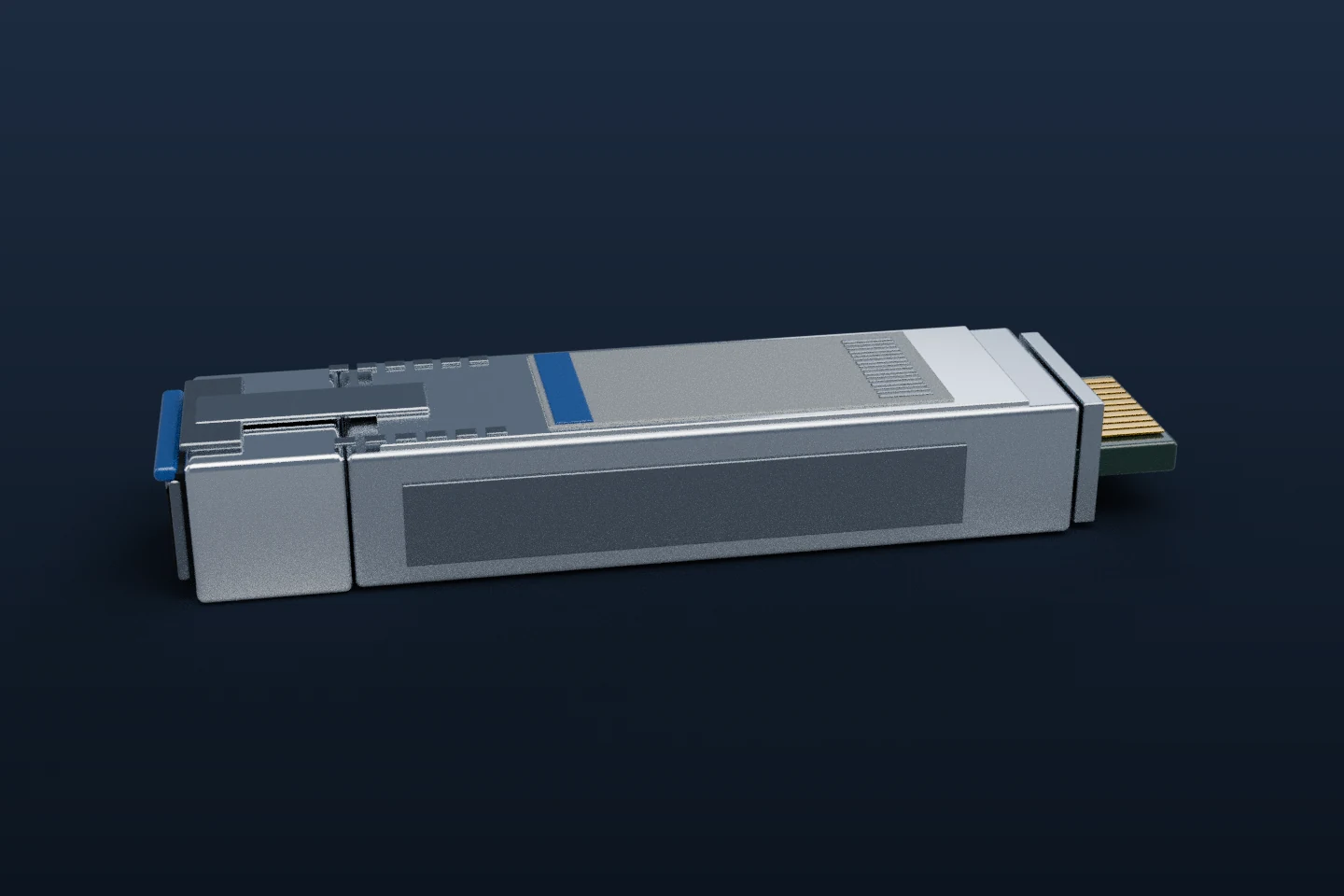
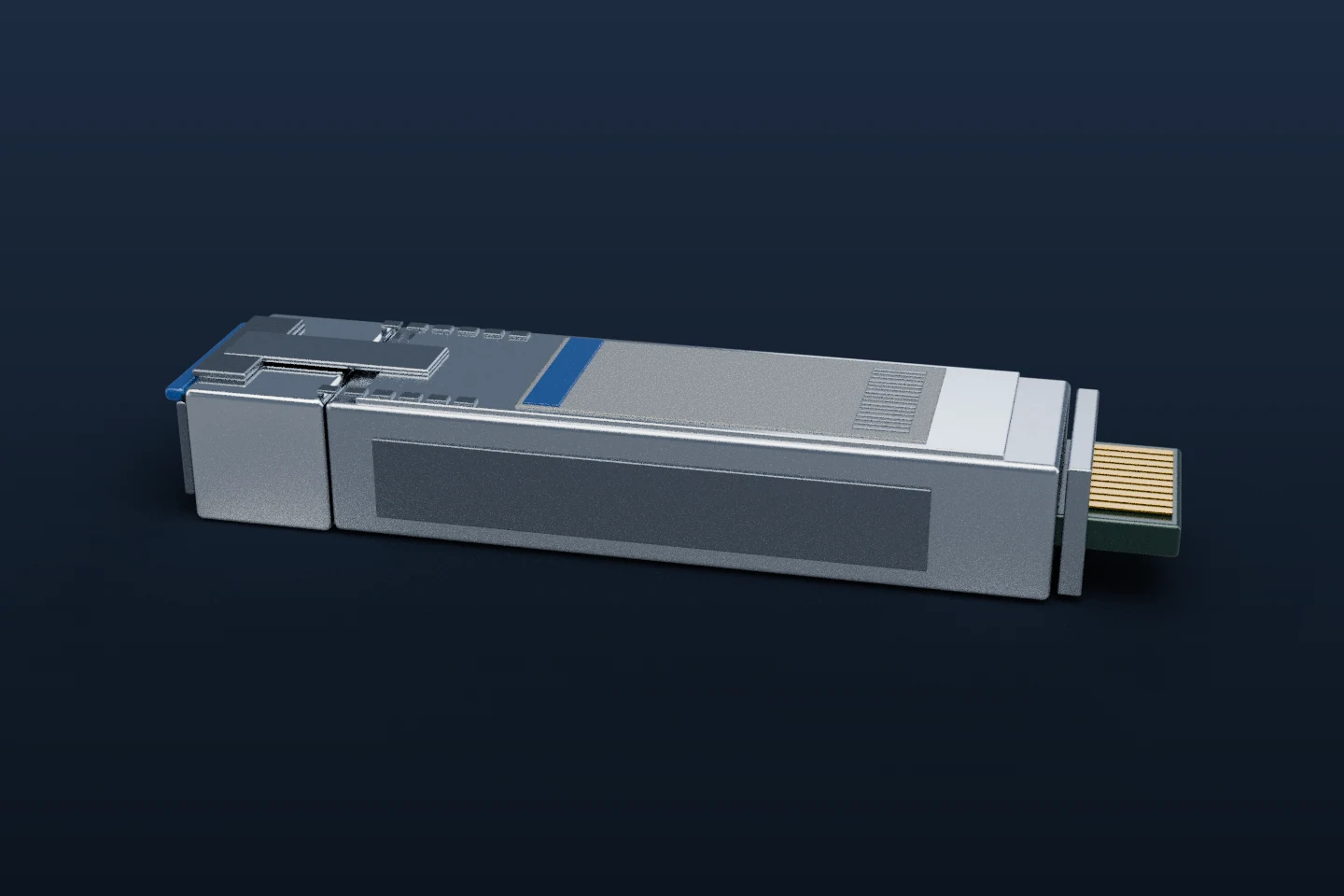
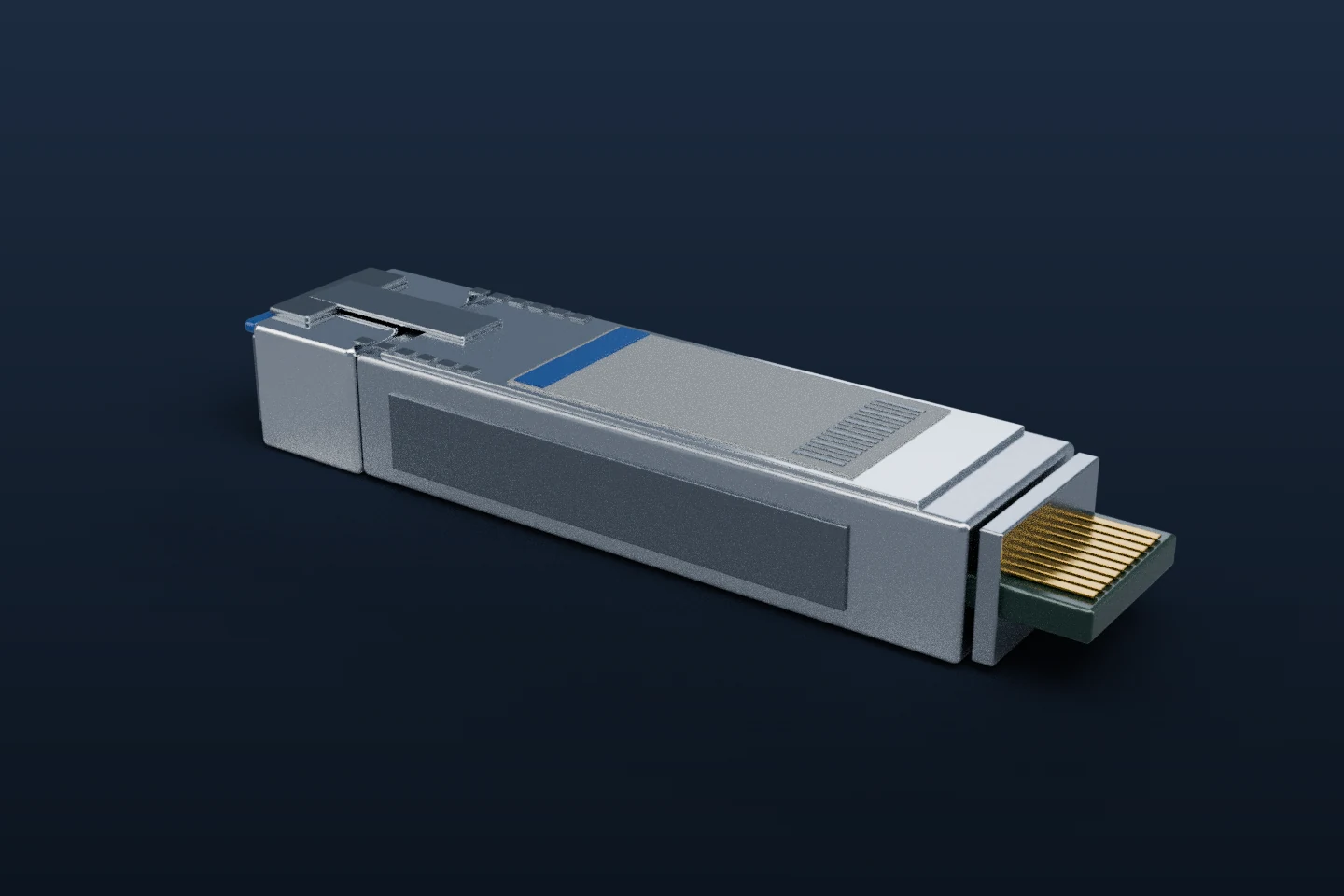
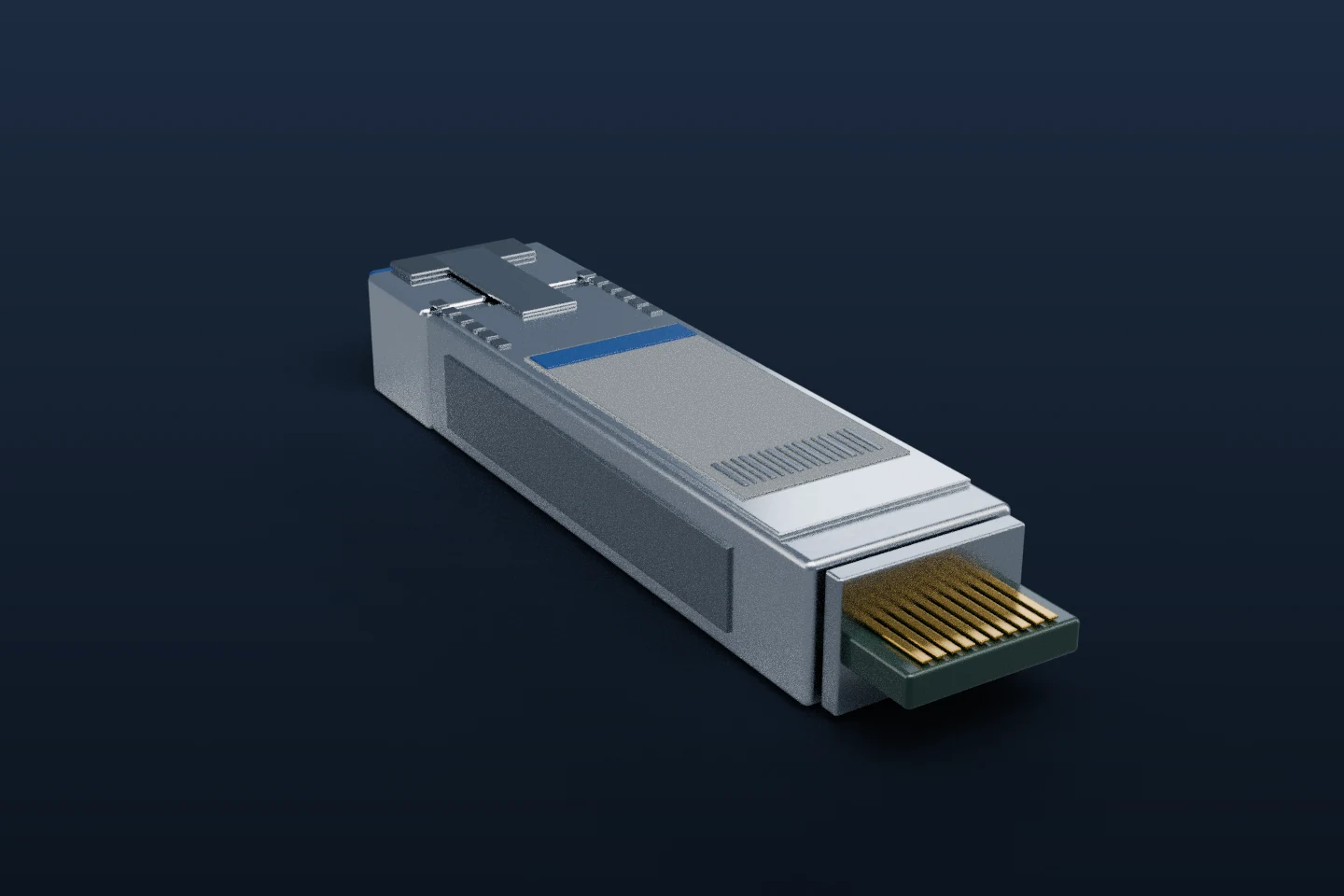
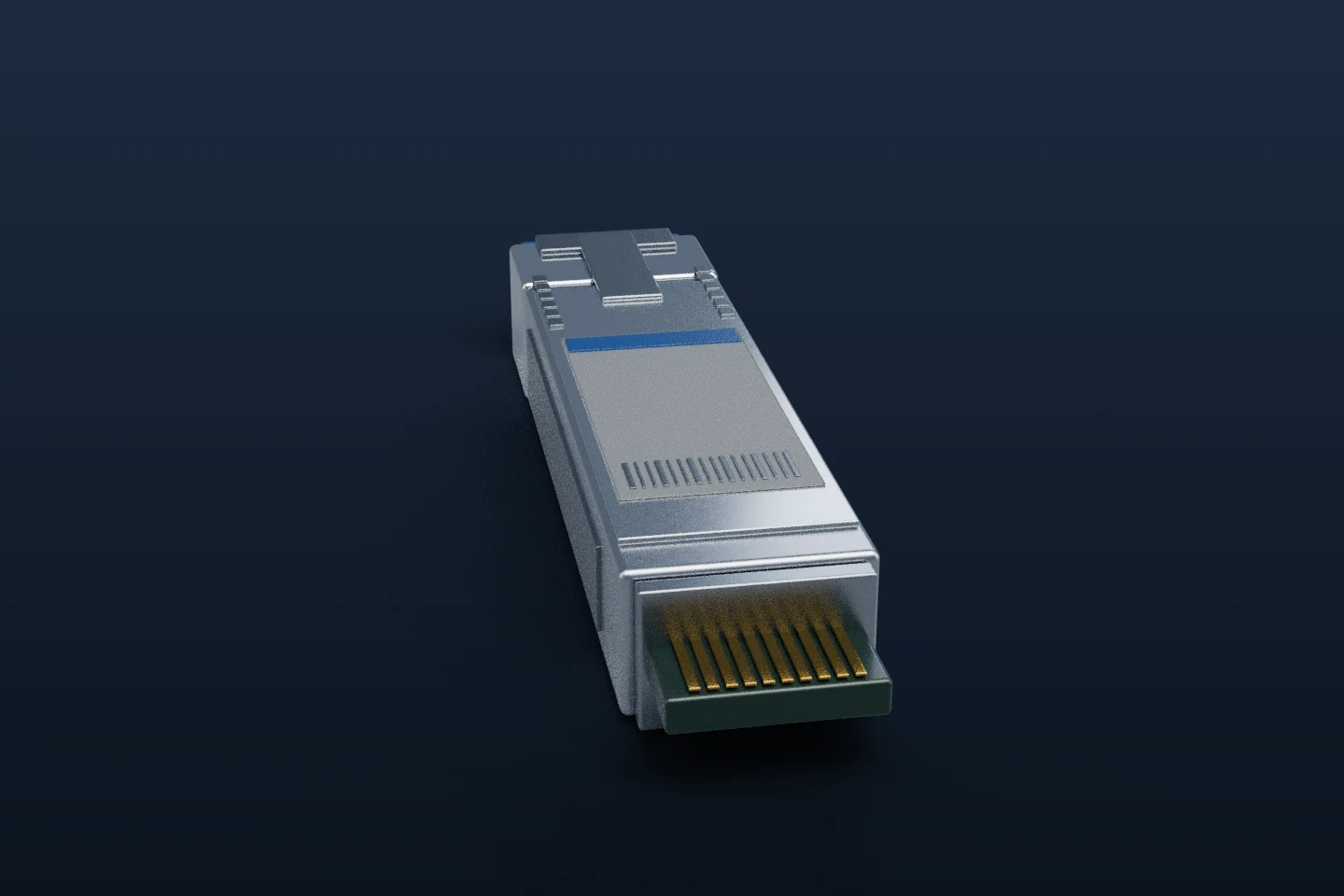
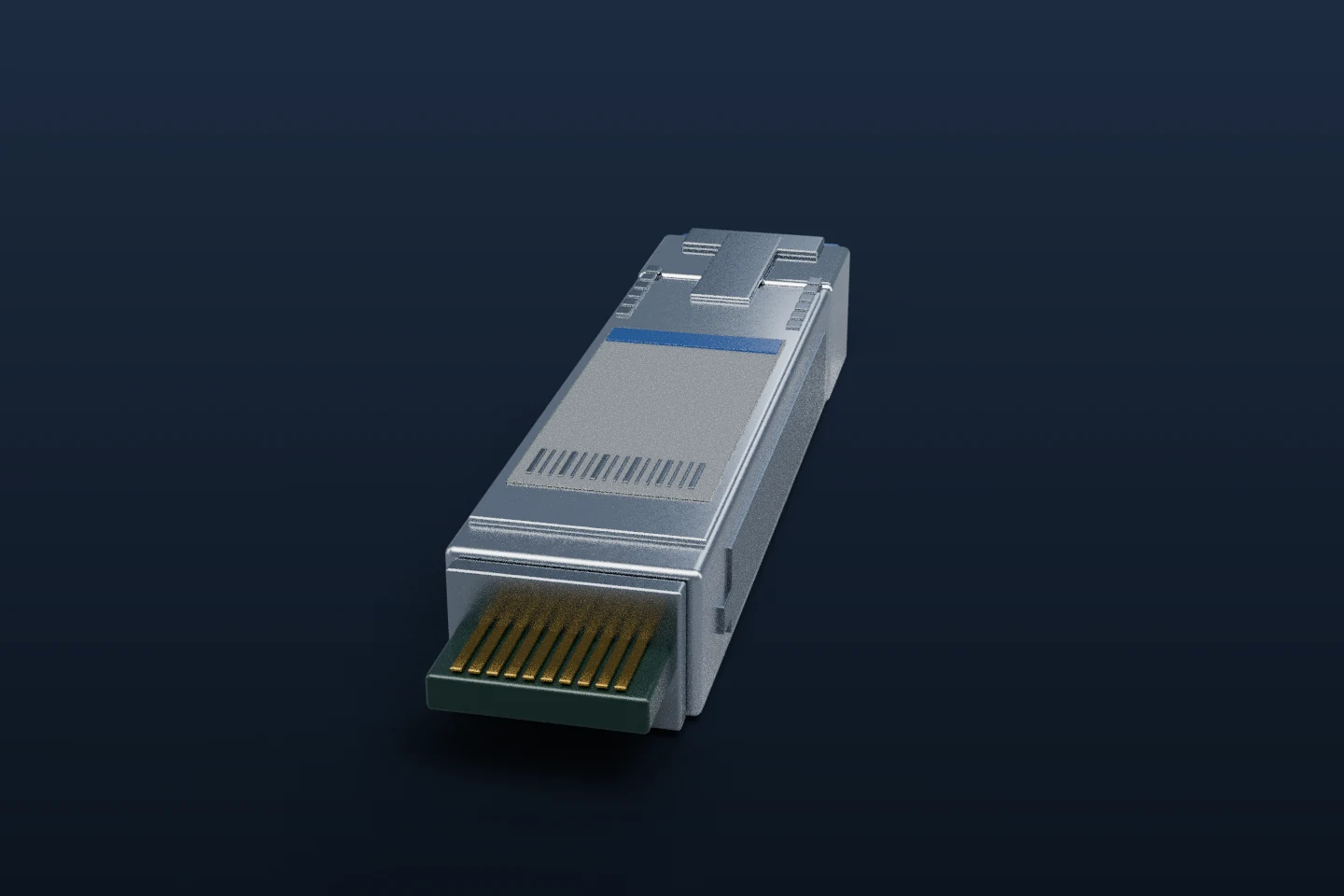
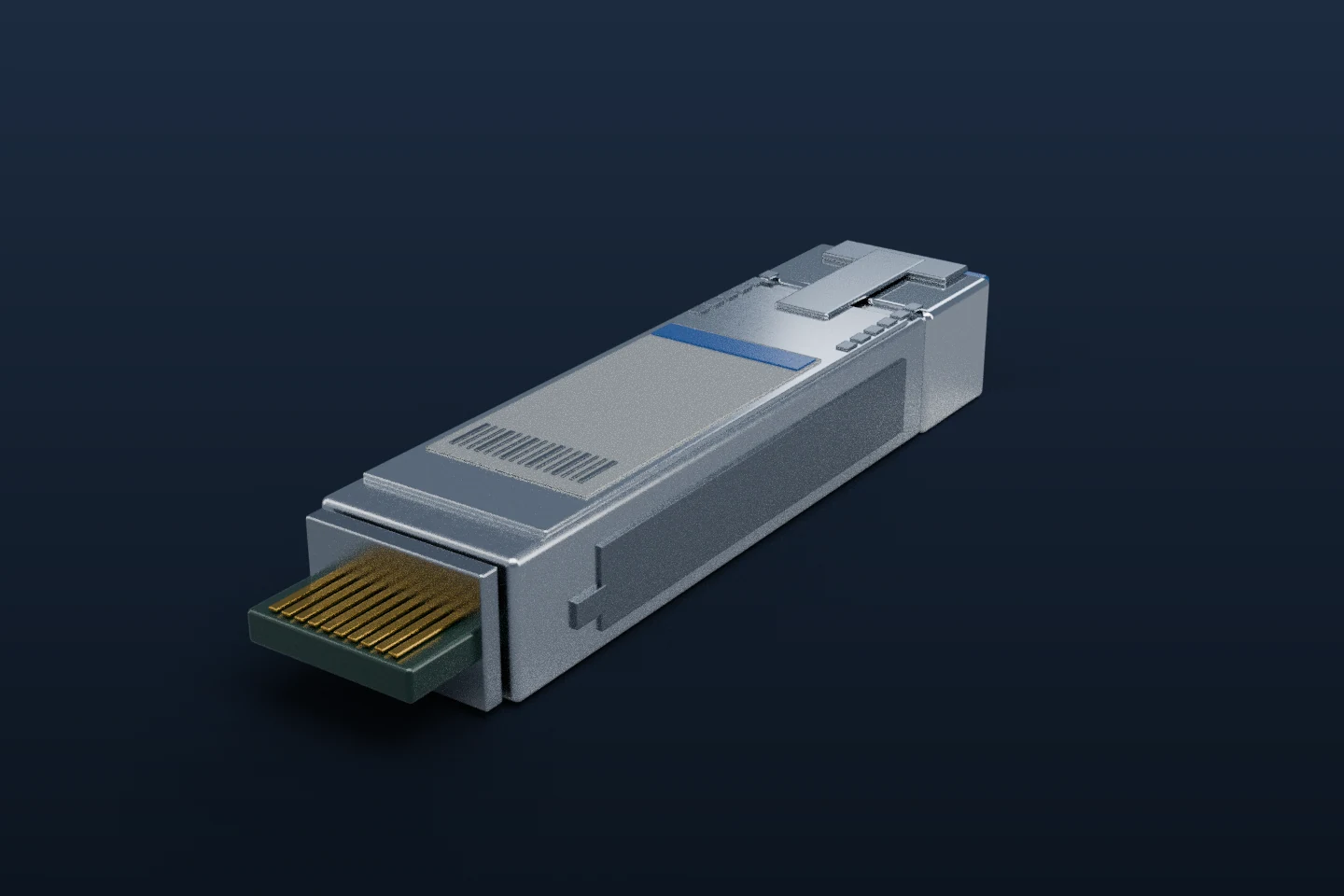
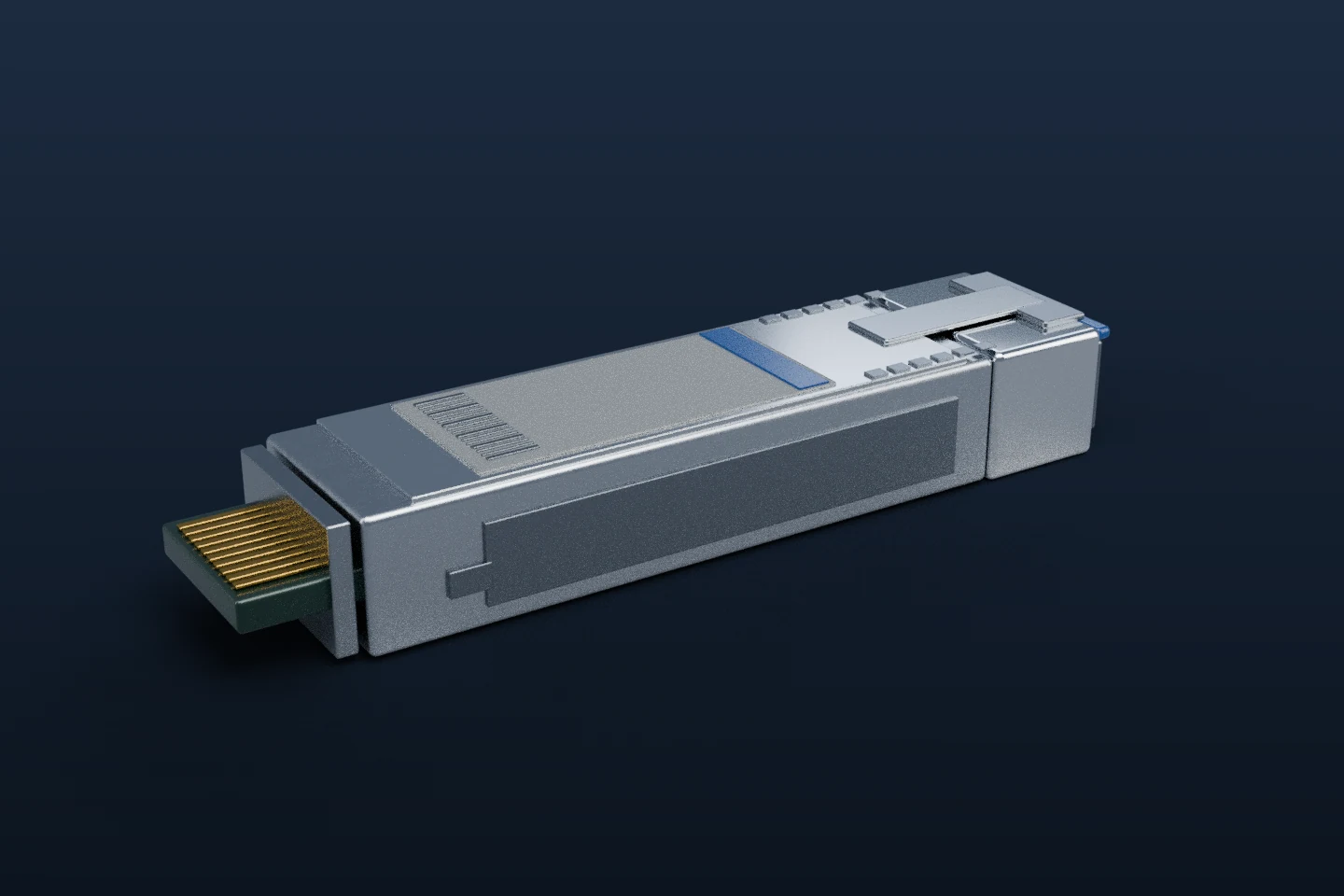
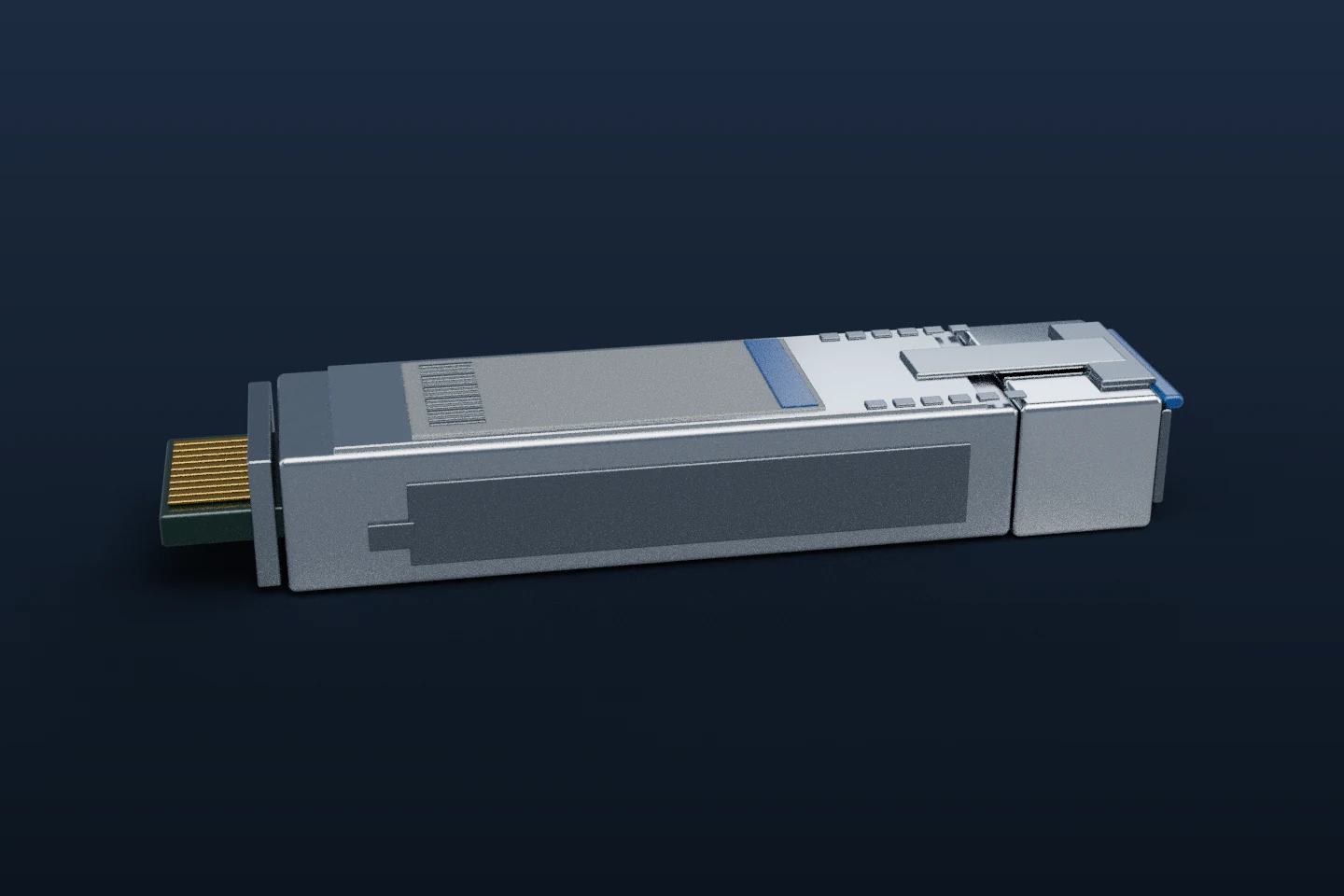
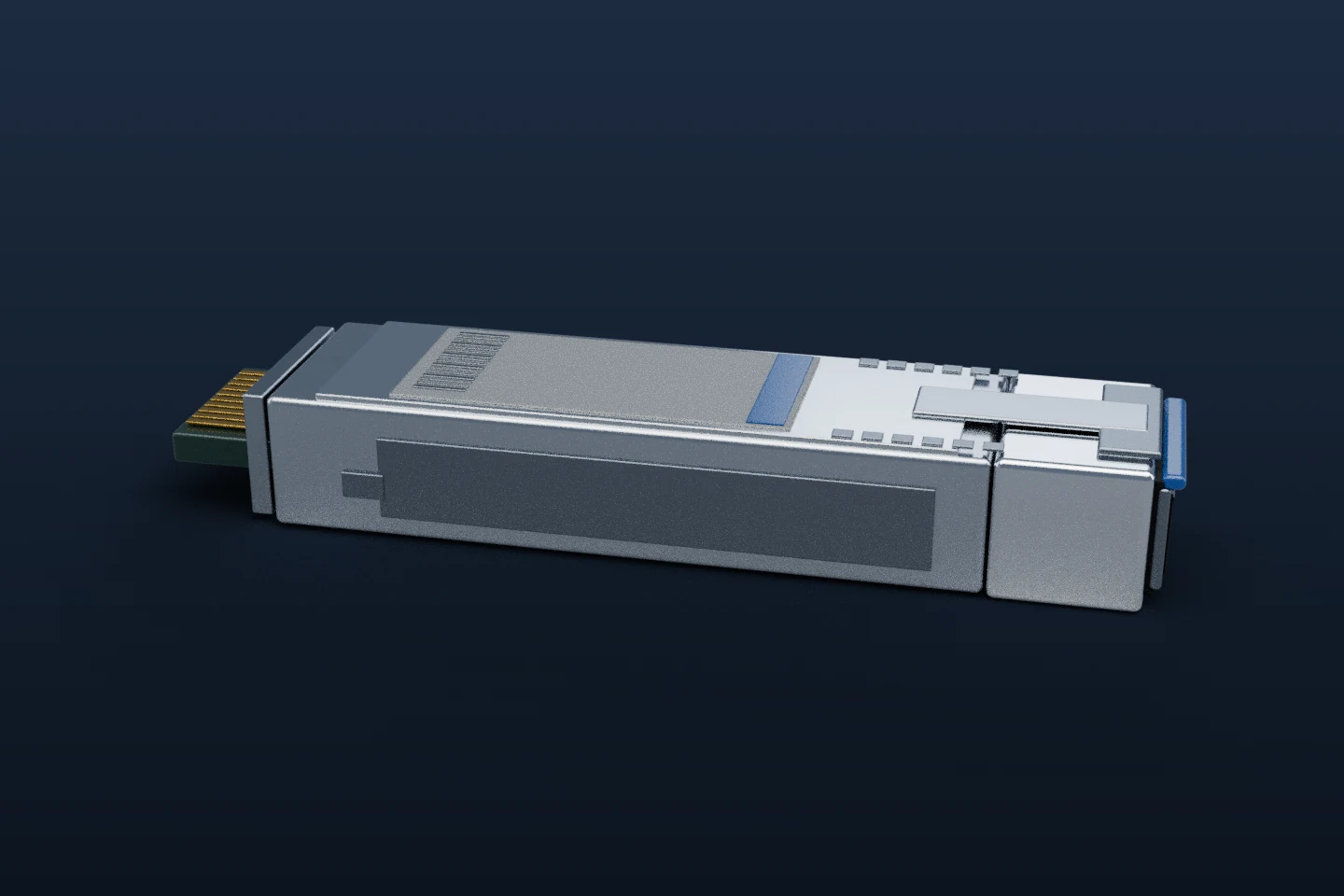
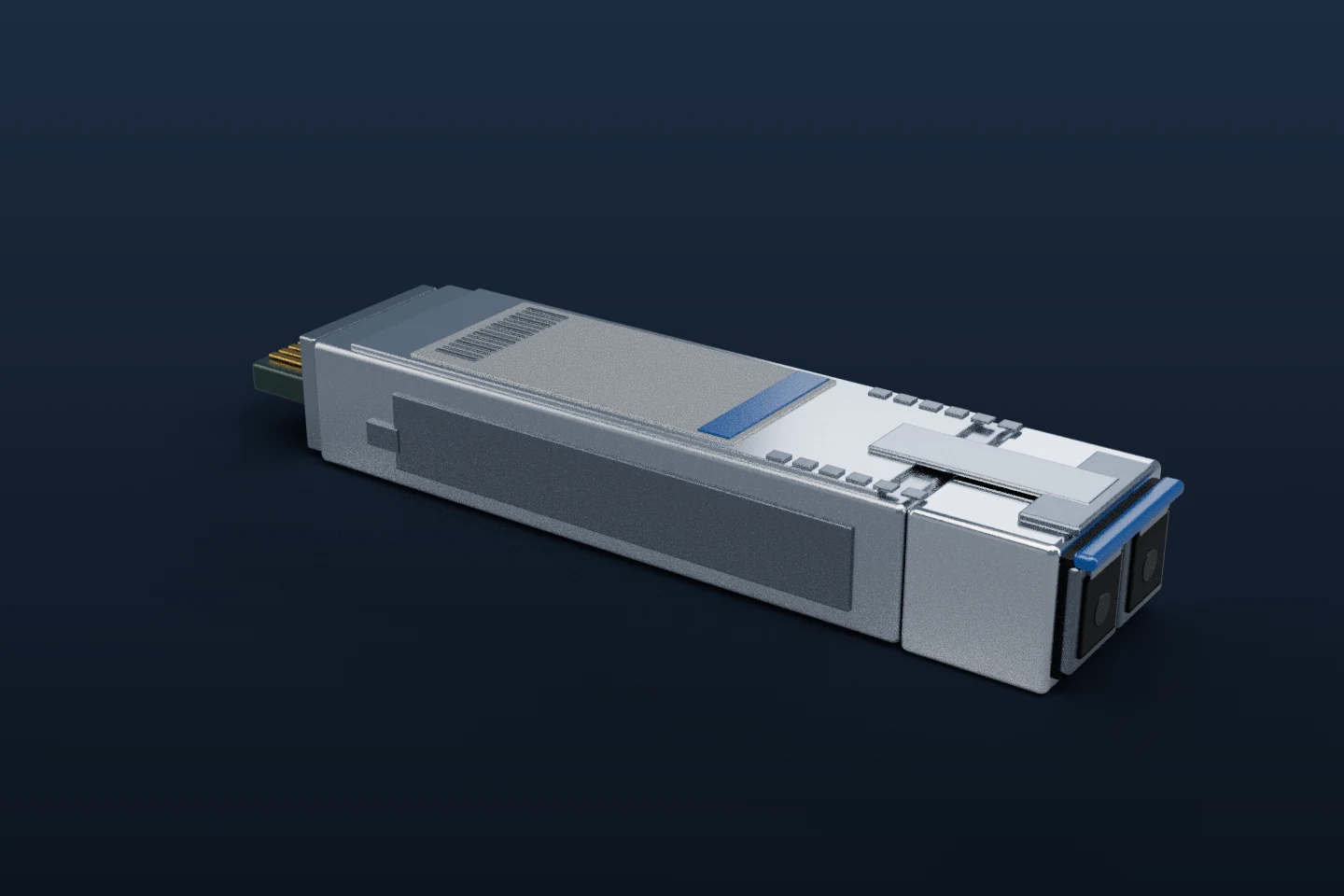
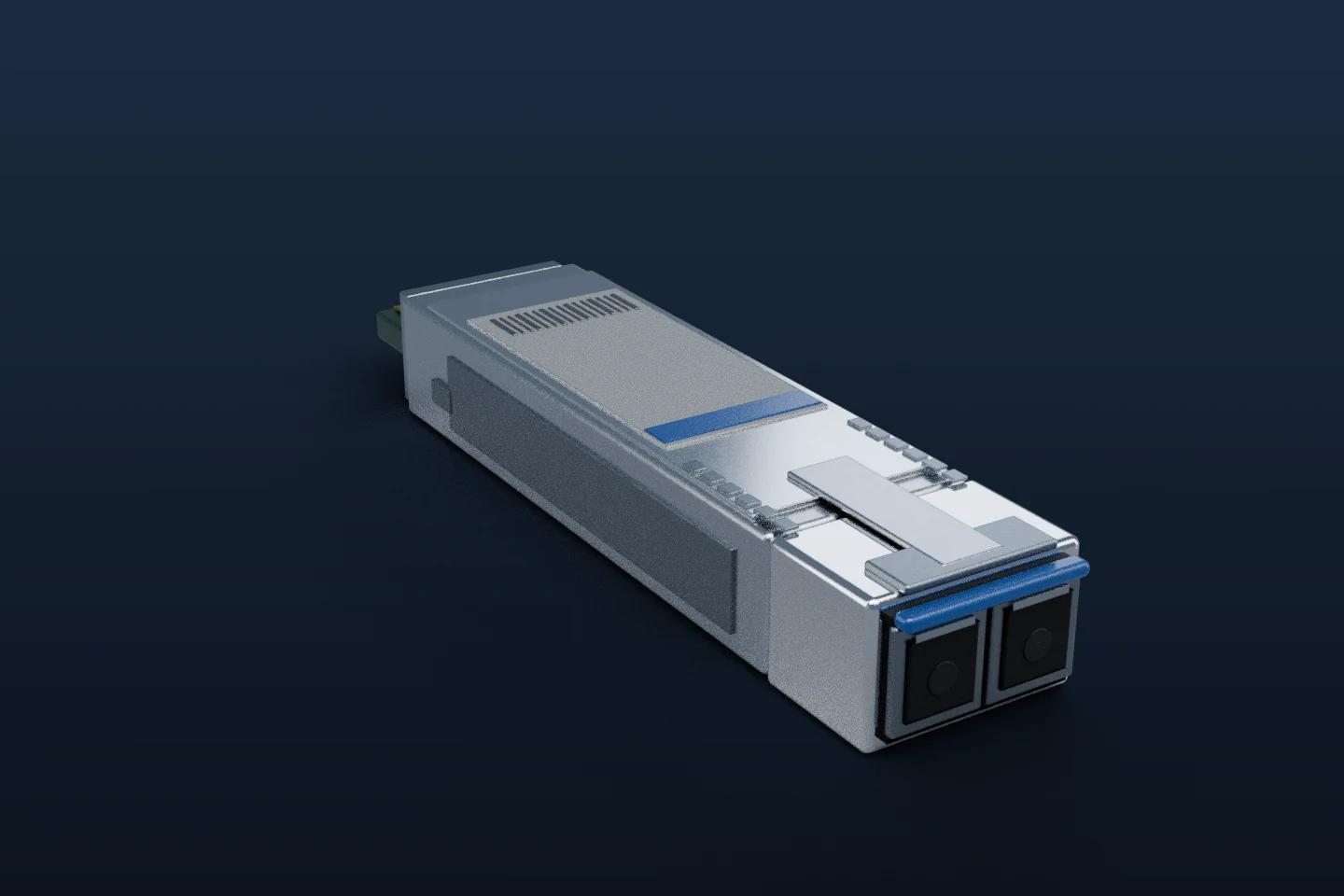
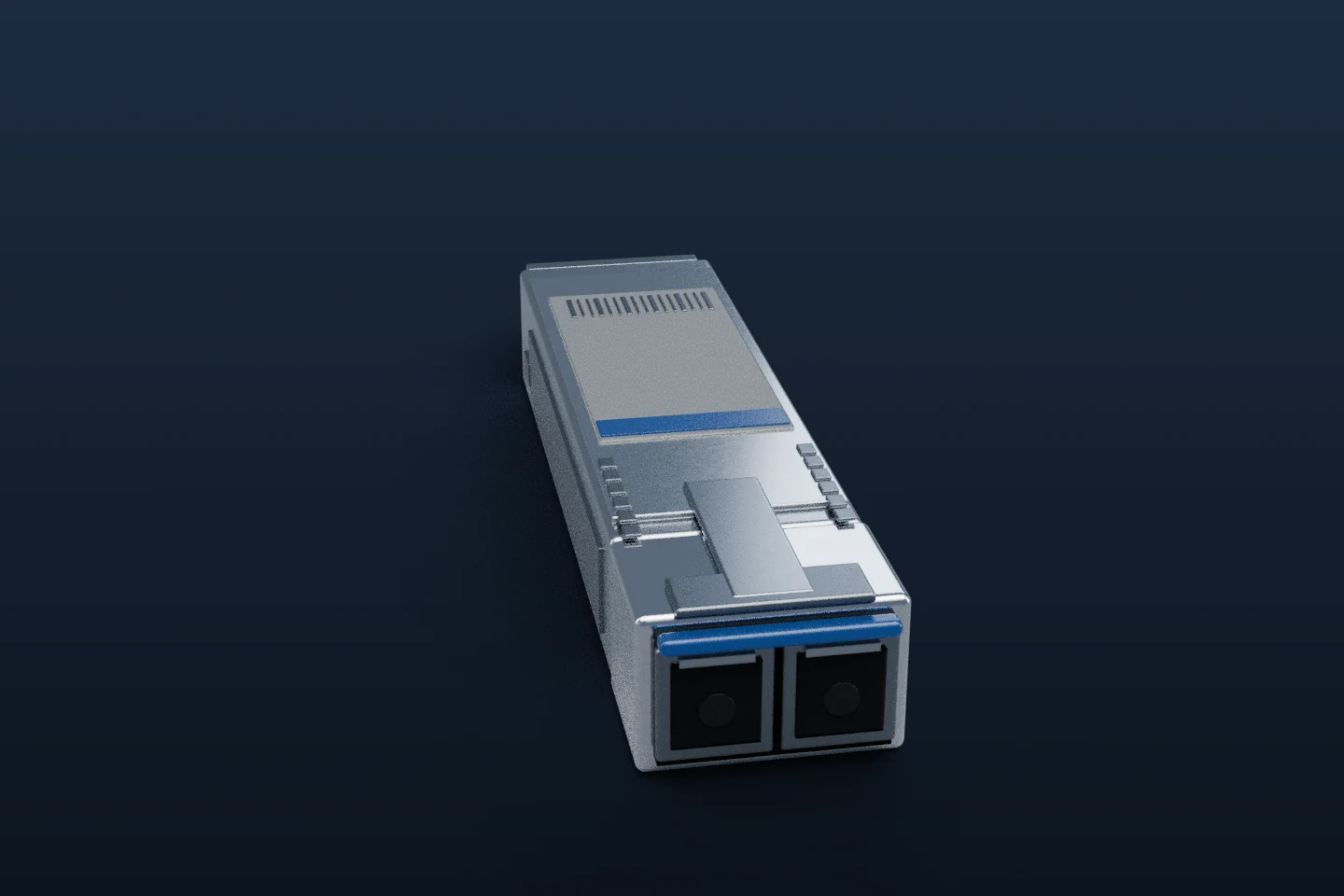
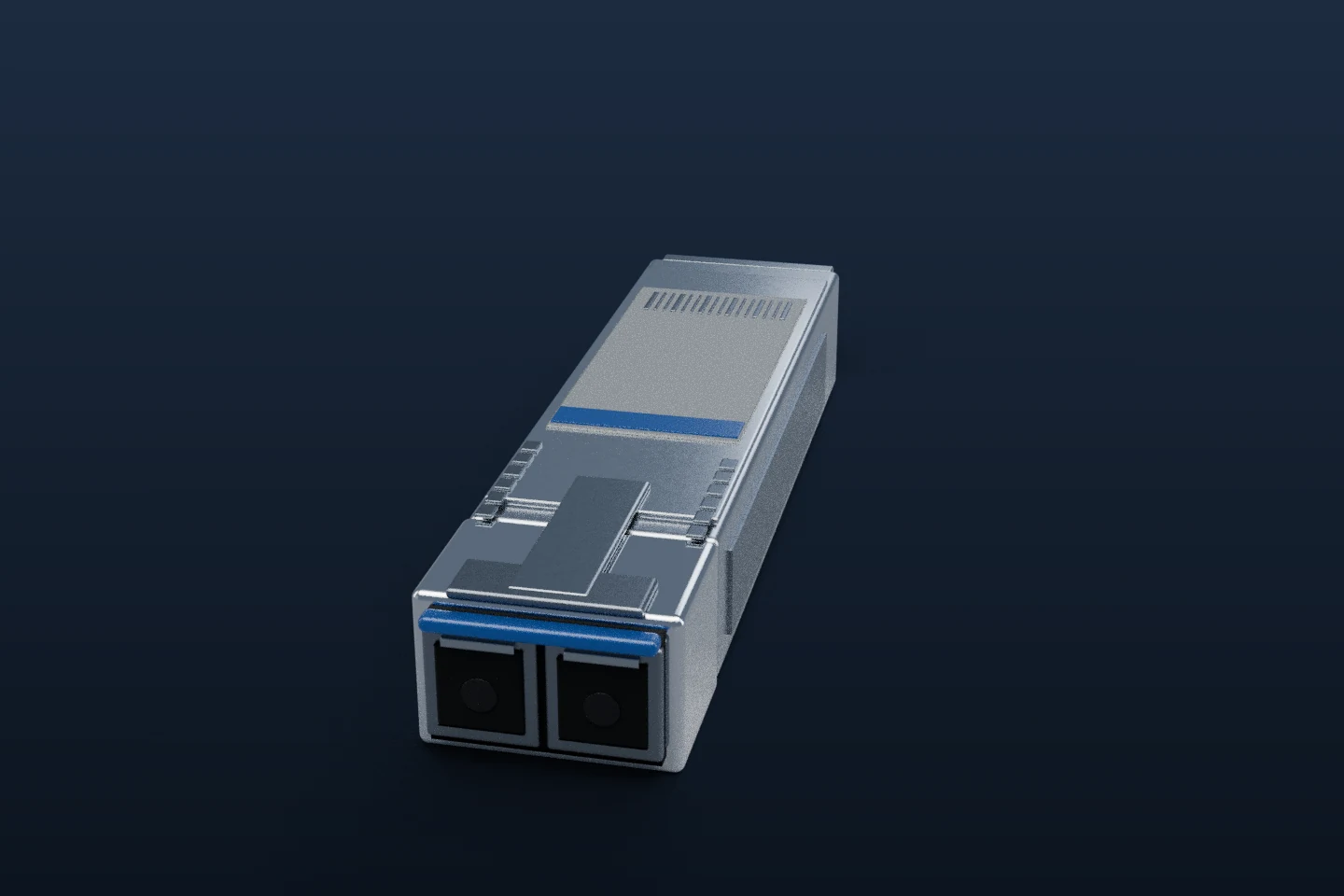
- Speed
- 10 Gbps
- Medium
- Fibre
- Plugs in
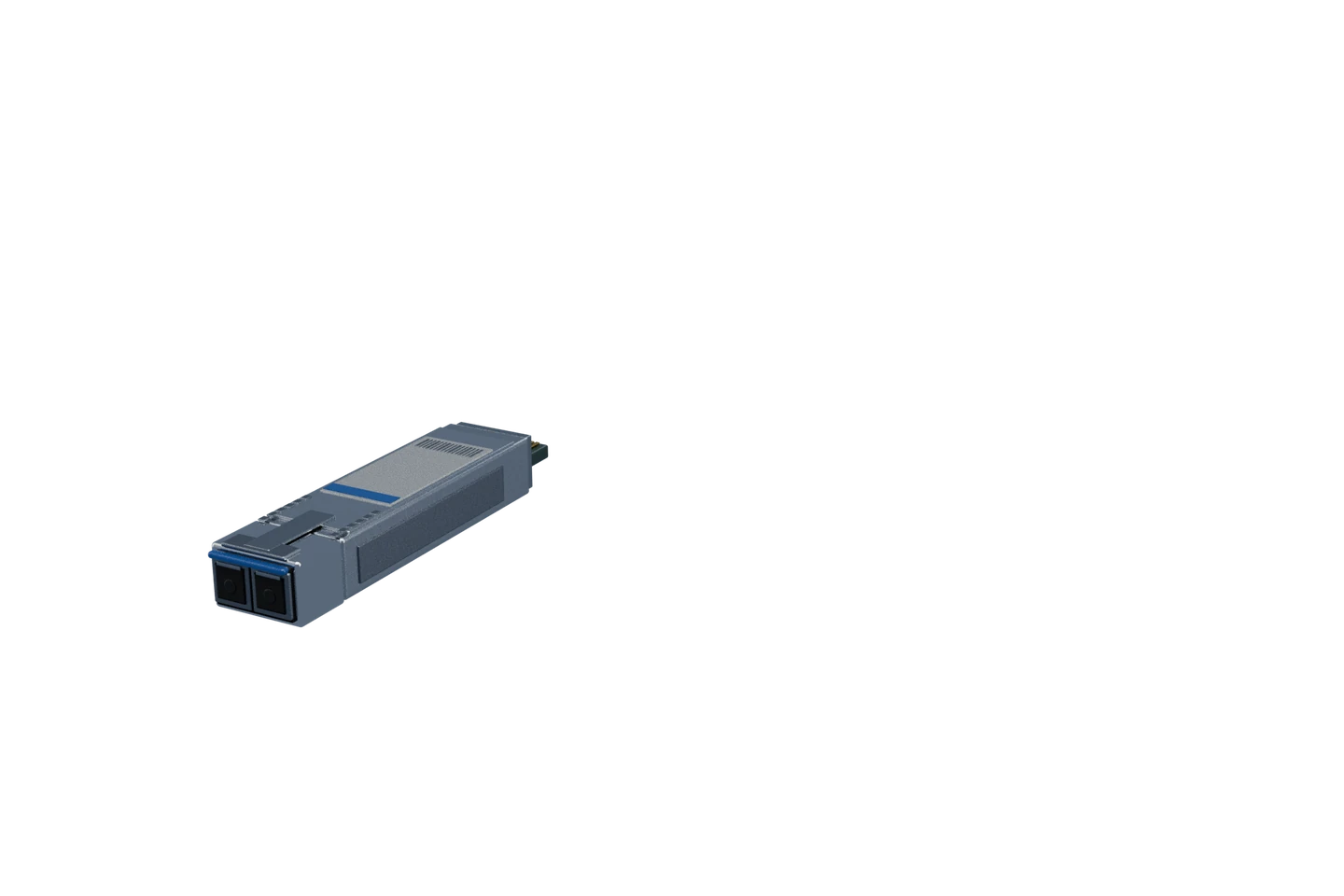
- Duplex LC
Where you will meet it
Switch uplinks and server links. SR optics run on multimode fibre to 300 m on OM3 or 400 m on OM4, LR optics on single-mode to 10 km.
For the exam
The module is only the transceiver. The cable is a separate LC patch cord, one strand to transmit and one to receive.
Pull-tab colours are not a universal code across vendors. Read the optic's label for its type. These are simplified teaching models, not manufacturer drawings.
Optic types and reach
| Optic | Medium | Wavelength | Typical reach |
|---|---|---|---|
| 1000BASE-T | Copper, Cat5e or better, RJ45 | none | 100 m |
| 1000BASE-SX | Multimode fibre, LC | 850 nm | 275 m on OM1, 550 m on OM2 and above |
| 1000BASE-LX | Single-mode fibre, LC | 1310 nm | 5 km (10 km on LX10 optics) |
| 10GBASE-SR | Multimode fibre, LC | 850 nm | 300 m on OM3, 400 m on OM4 |
| 10GBASE-LR | Single-mode fibre, LC | 1310 nm | 10 km |
| 10GBASE-ER | Single-mode fibre, LC | 1550 nm | 40 km |
| 10GBASE-ZR | Single-mode fibre, LC | 1550 nm | 80 km (a vendor type, not an IEEE standard) |
| 25GBASE-SR | Multimode fibre, LC | 850 nm | 70 m on OM3, 100 m on OM4 |
| 25GBASE-LR | Single-mode fibre, LC | 1310 nm | 10 km |
SR means short reach (multimode), LR long reach, ER extended and ZR the longest in this table. Both ends of a link need matching optics (same standard and wavelength), apart from BiDi pairs, which are built to differ. For the fibre grades themselves, see fibre grades compared.
Installing a module and an optic
Step through how an uplink module and a transceiver go into a switch.
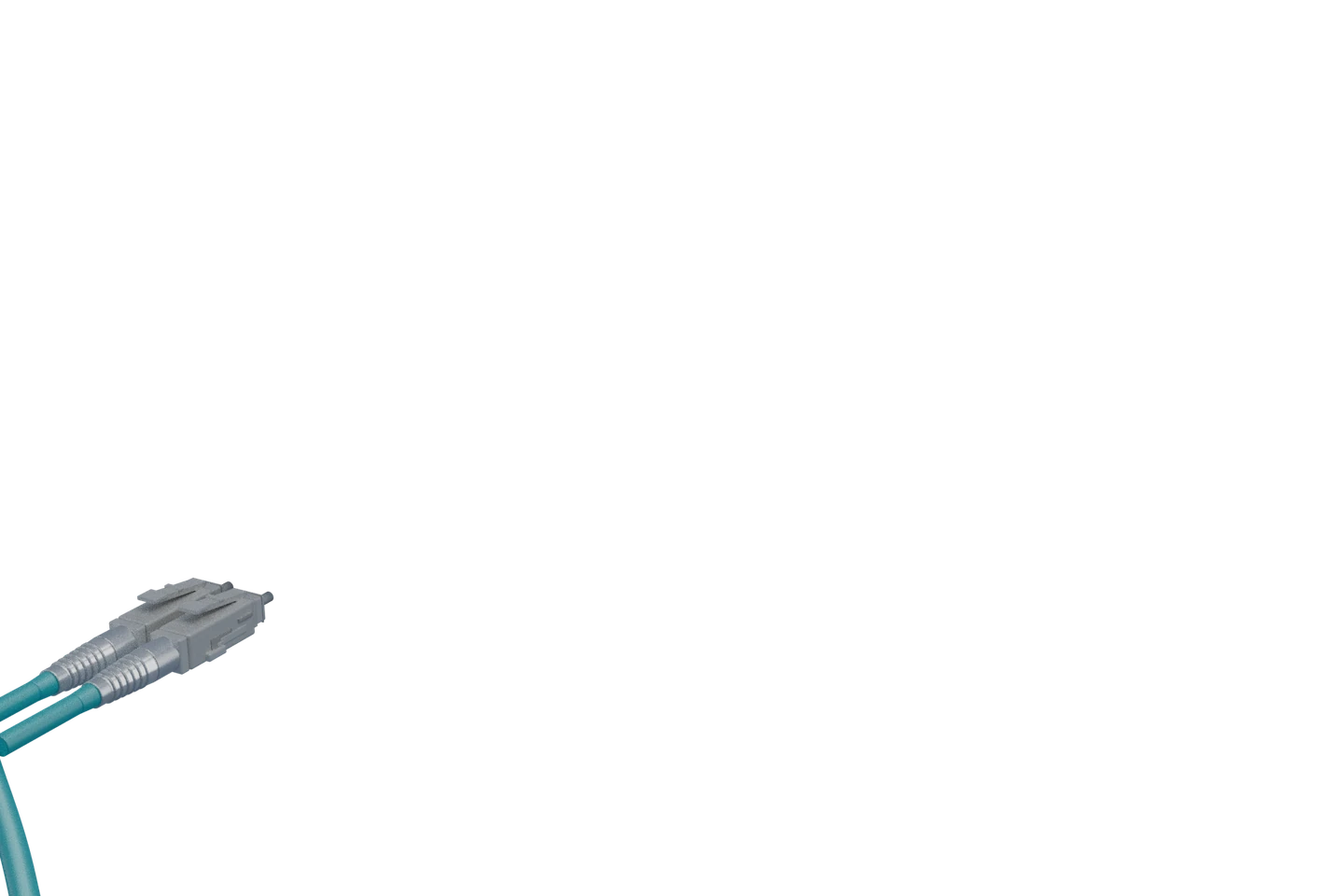
1 of 3 · Fit the network module
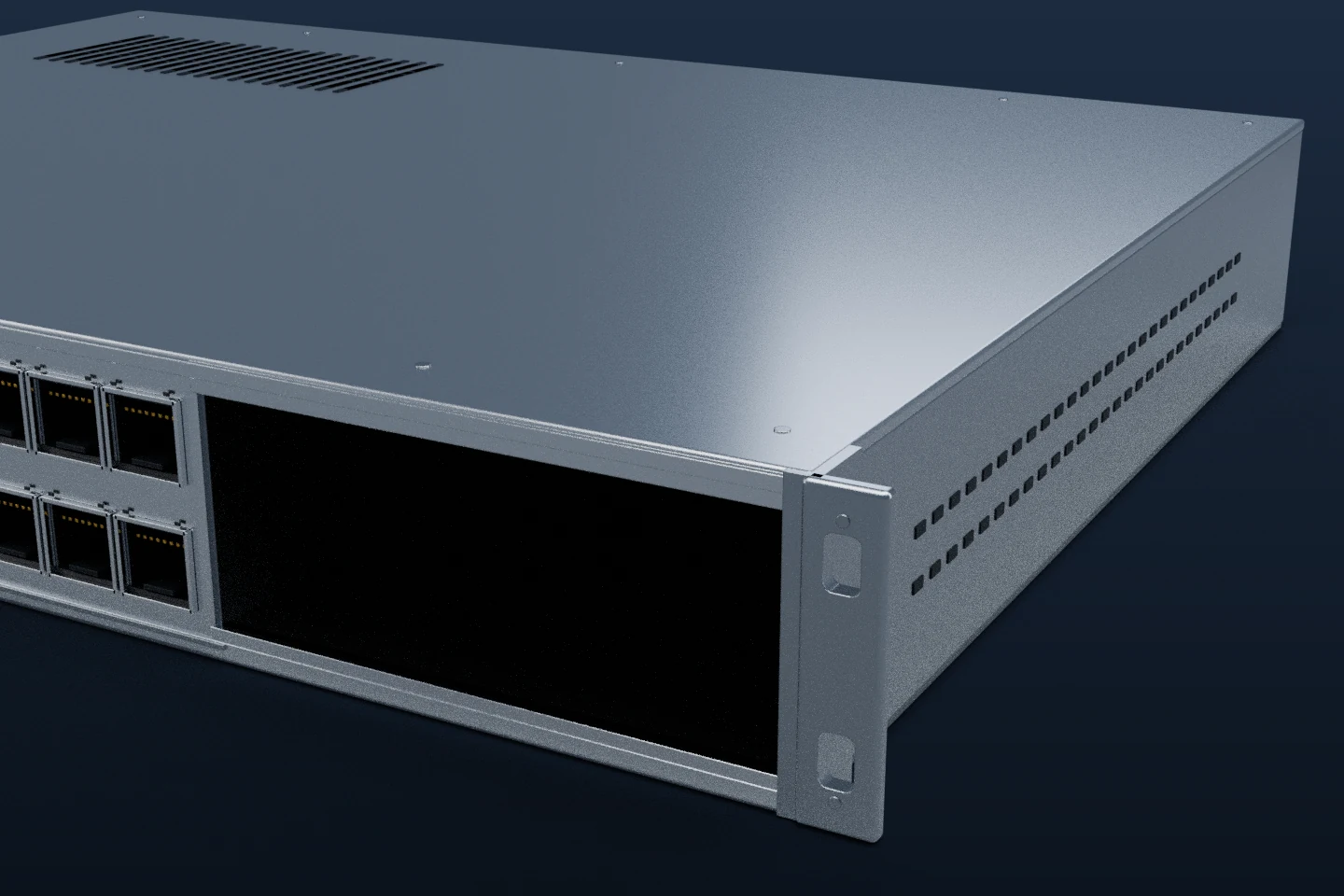
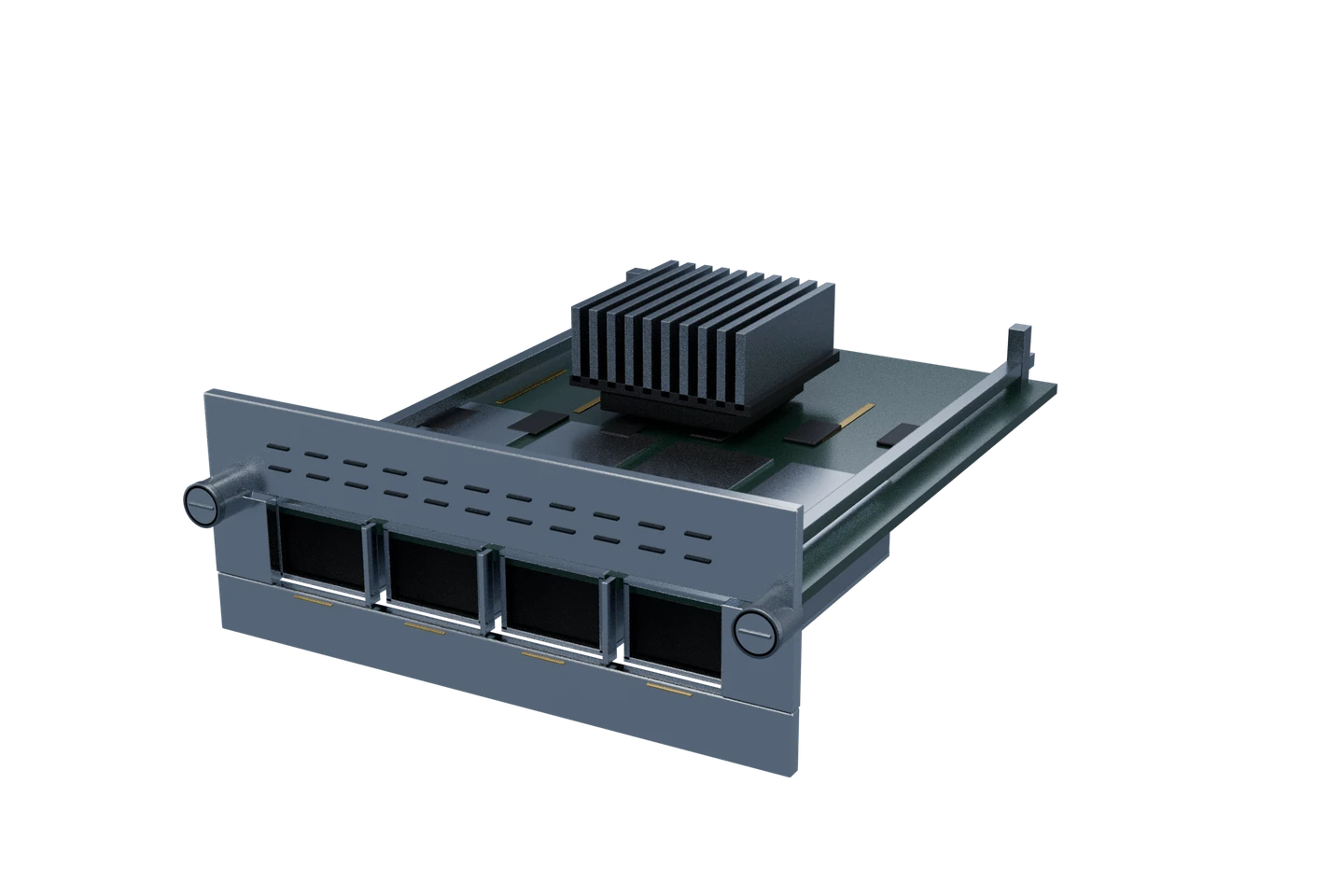
Remove the blank cover from the switch's network module slot, then slide the module in on its rails and secure it as the hardware guide describes, usually by tightening the captive screws. Some modules use a jackscrew or latch to finish seating.
Many switches, such as the Catalyst 9300, let you swap uplink modules and transceivers while powered on. Check the hardware guide first, and never look into an optic or an open fibre end: the laser is invisible.
DAC, AOC or optics?
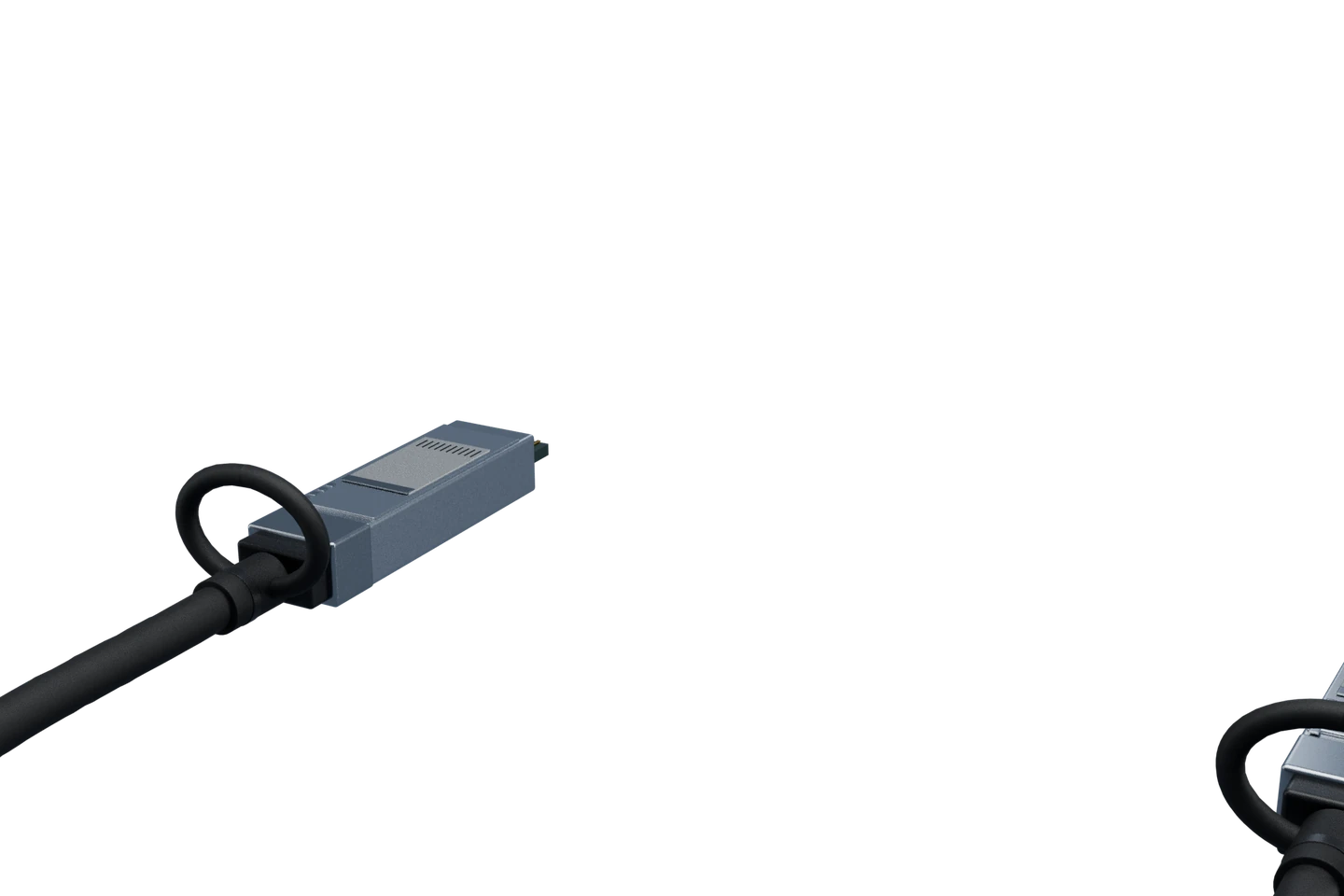
- DAC (direct attach copper): a twinax cable with an SFP+ or SFP28 end fixed on each side. Usually the cheapest and lowest-power option. Passive 10G cables commonly come in lengths up to about 5 m, active ones to 7 or 10 m. Use it inside a rack or to the next one.
- AOC (active optical cable): fibre with optics permanently attached on both ends. Thinner and lighter than DAC and available in longer lengths (commonly 10 to 30 m, some products to 100 m), but you cannot change the cable length.
- Separate optics and patch fibre: the flexible choice. Pick the optic for the reach and reuse the building's structured cabling.
- Copper SFP (1000BASE-T): lets a supported SFP port take an RJ45 cable. It usually draws more power and runs warmer than a short-reach fibre optic.
Check it on the switch
On a Cisco switch, three commands tell you what is in a cage:
show inventory: lists modules and transceivers with part and serial numbersshow interfaces status: shows each port's speed and media typeshow interfaces transceiver: shows optic temperature and light levels, on optics that support digital optical monitoring (DOM)
Keep learning
Continue with cable and connector types.